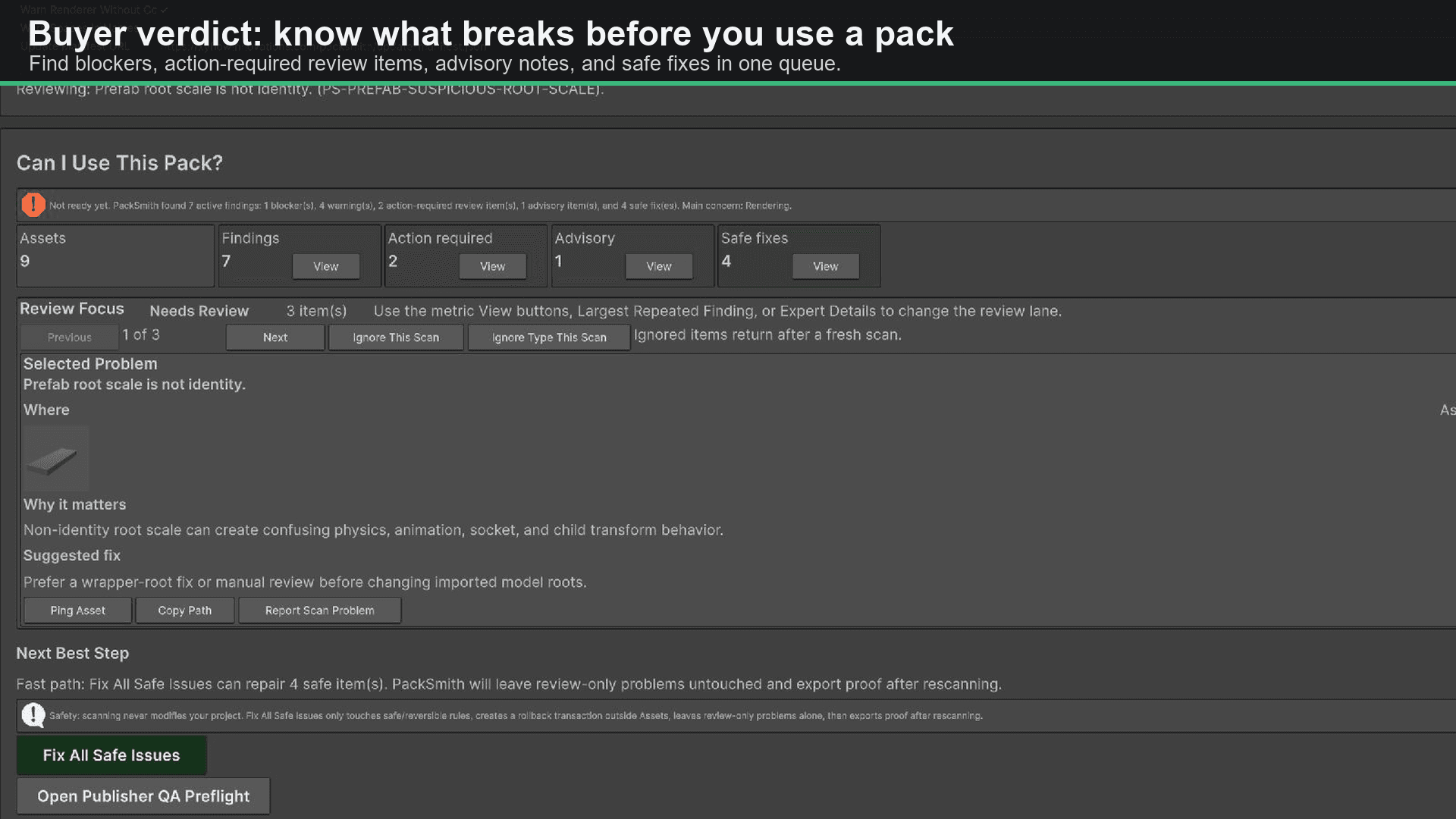
Buyer verdict
A clean first answer after scanning: findings, action-required items, advisory items, and safe fixes.
Unity Editor tool - submitted for Asset Store review
Scan imported asset packs, understand what is broken, apply reviewable safe fixes, and export proof for teams, sellers, or support. Built for users who want the answer quickly without losing visibility into the fix.
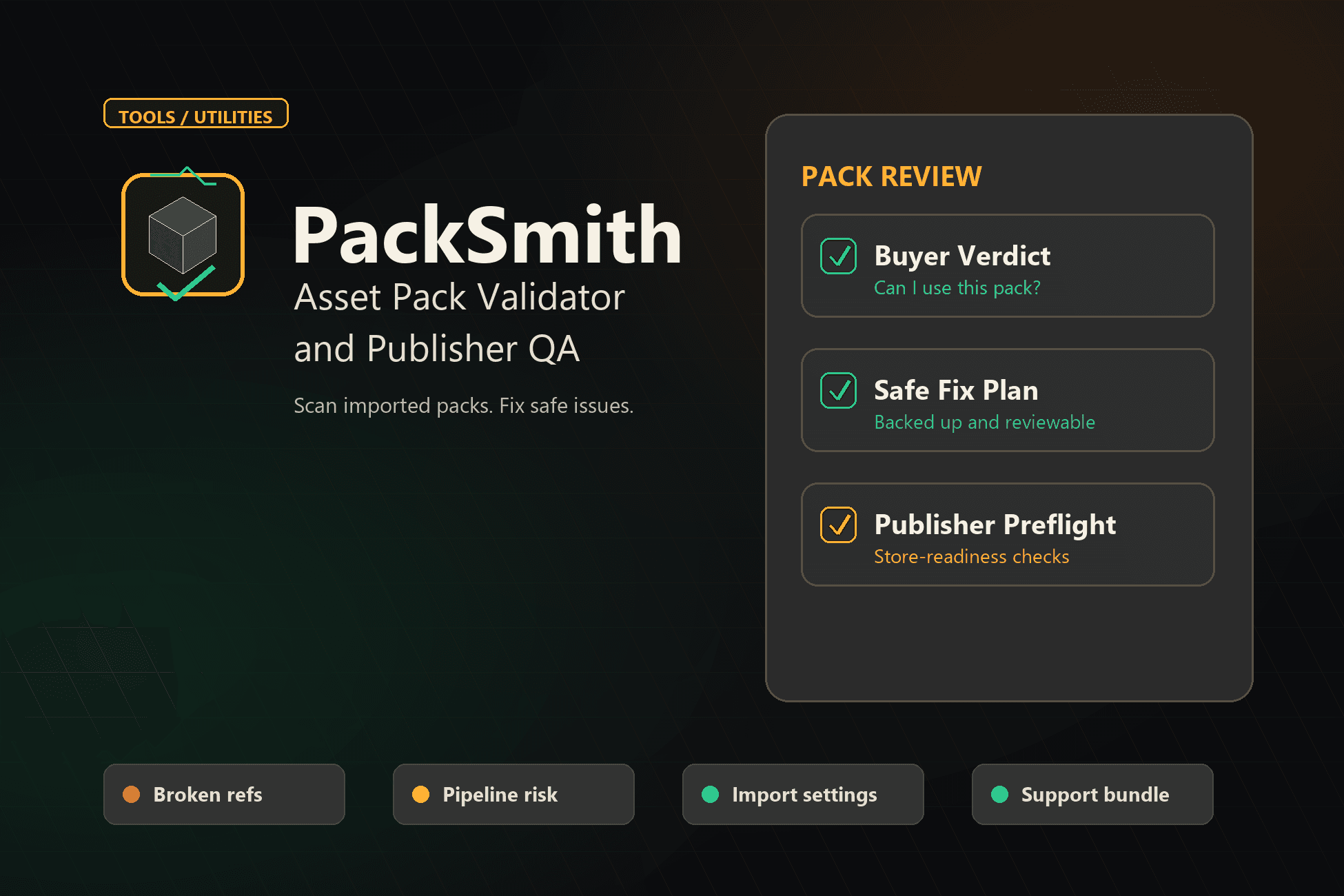
Buyer verdict
Can I use this pack?
Safe fix plan
Backed up and reviewable
Publisher preflight
Store-readiness checks
Screenshots
These are the same launch-media paths used for the Unity Asset Store listing: verdict, safe-fix proof, publisher QA, and feedback routing.
Buyer verdict
A clean first answer after scanning: findings, action-required items, advisory items, and safe fixes.
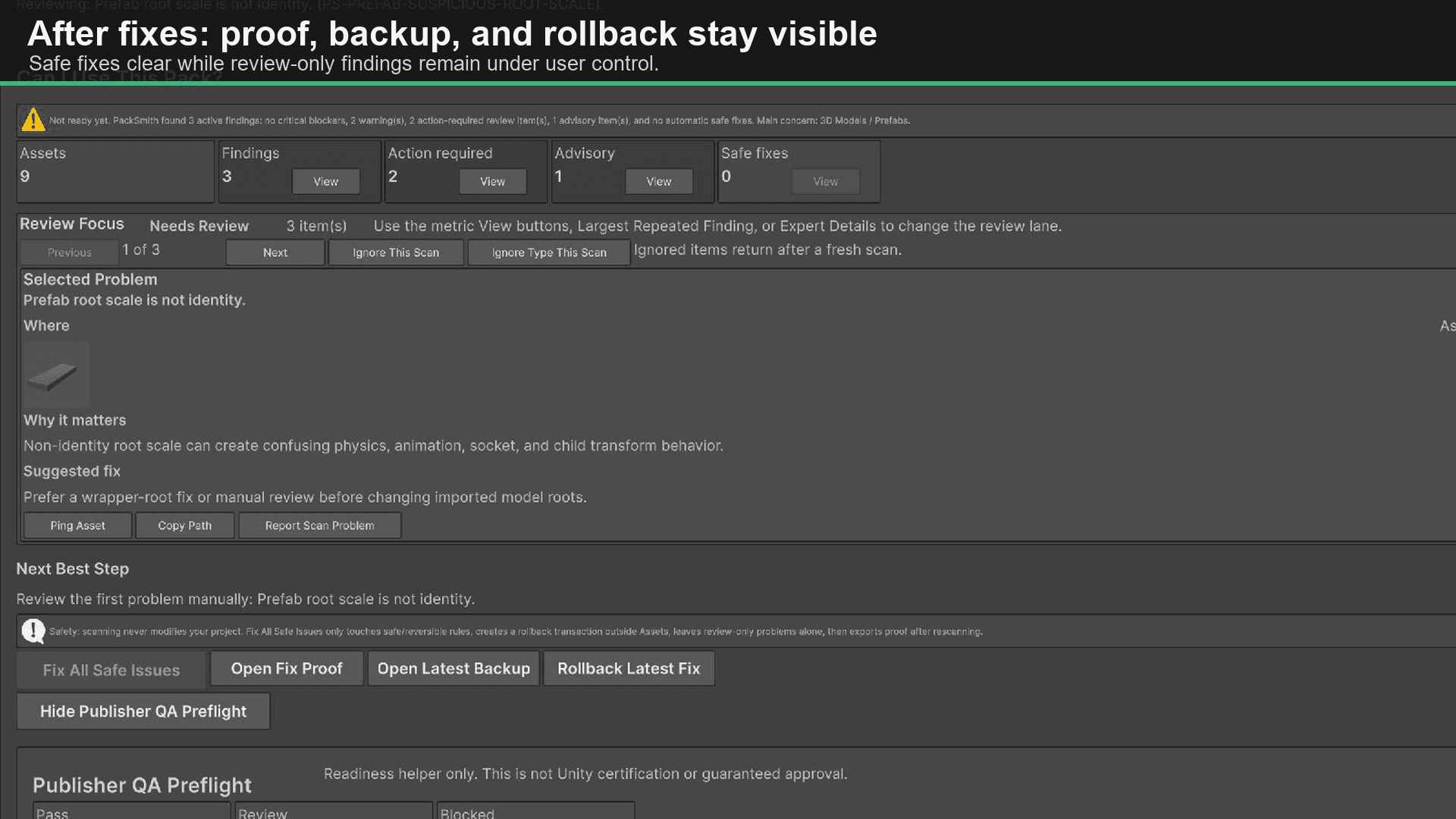
Safe-fix proof
Safe fixes are explicit and backed by rollback, rescan, and proof export steps.
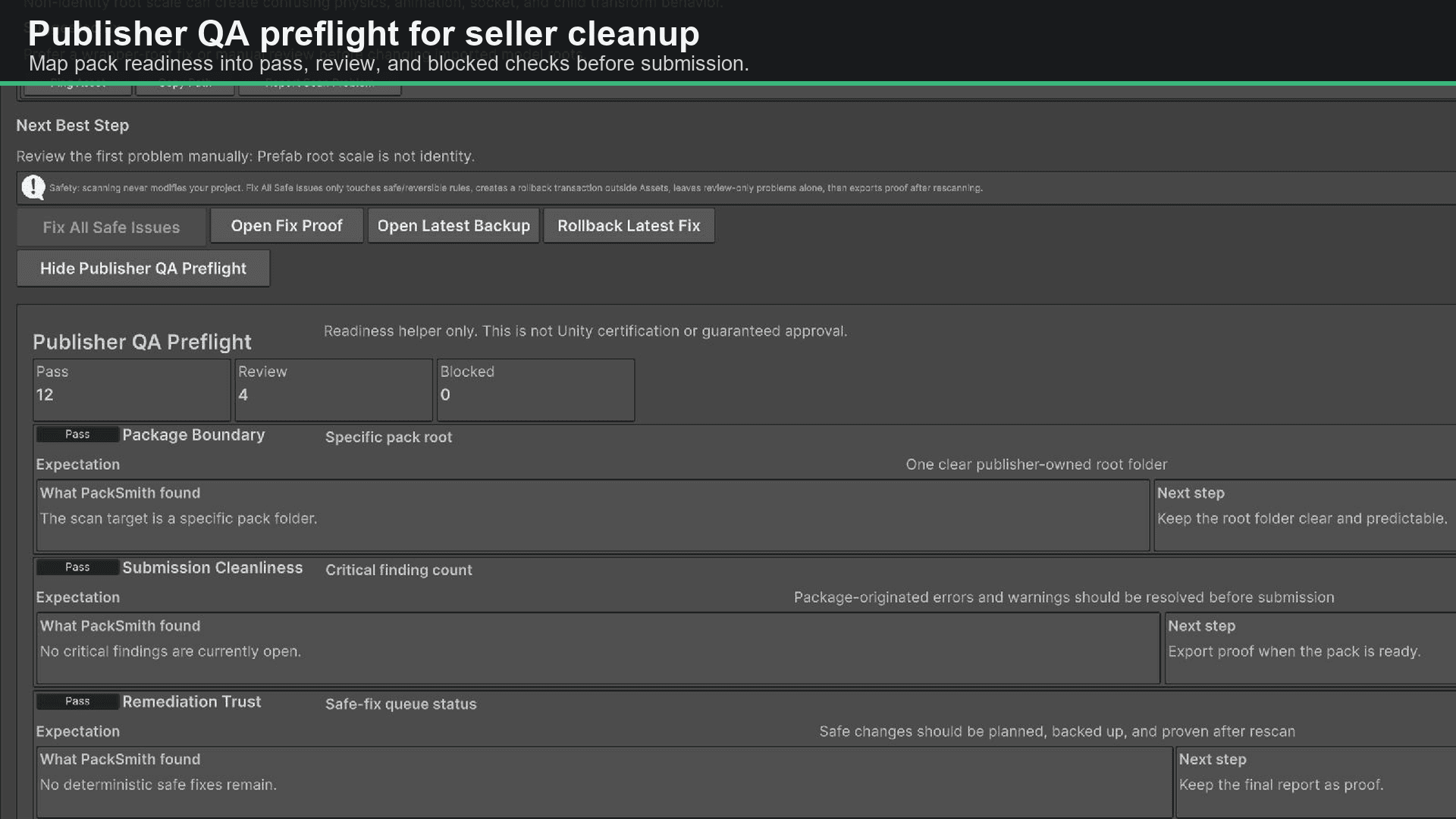
Publisher QA
Seller-facing preflight checks highlight submission-readiness risks before customers do QA.
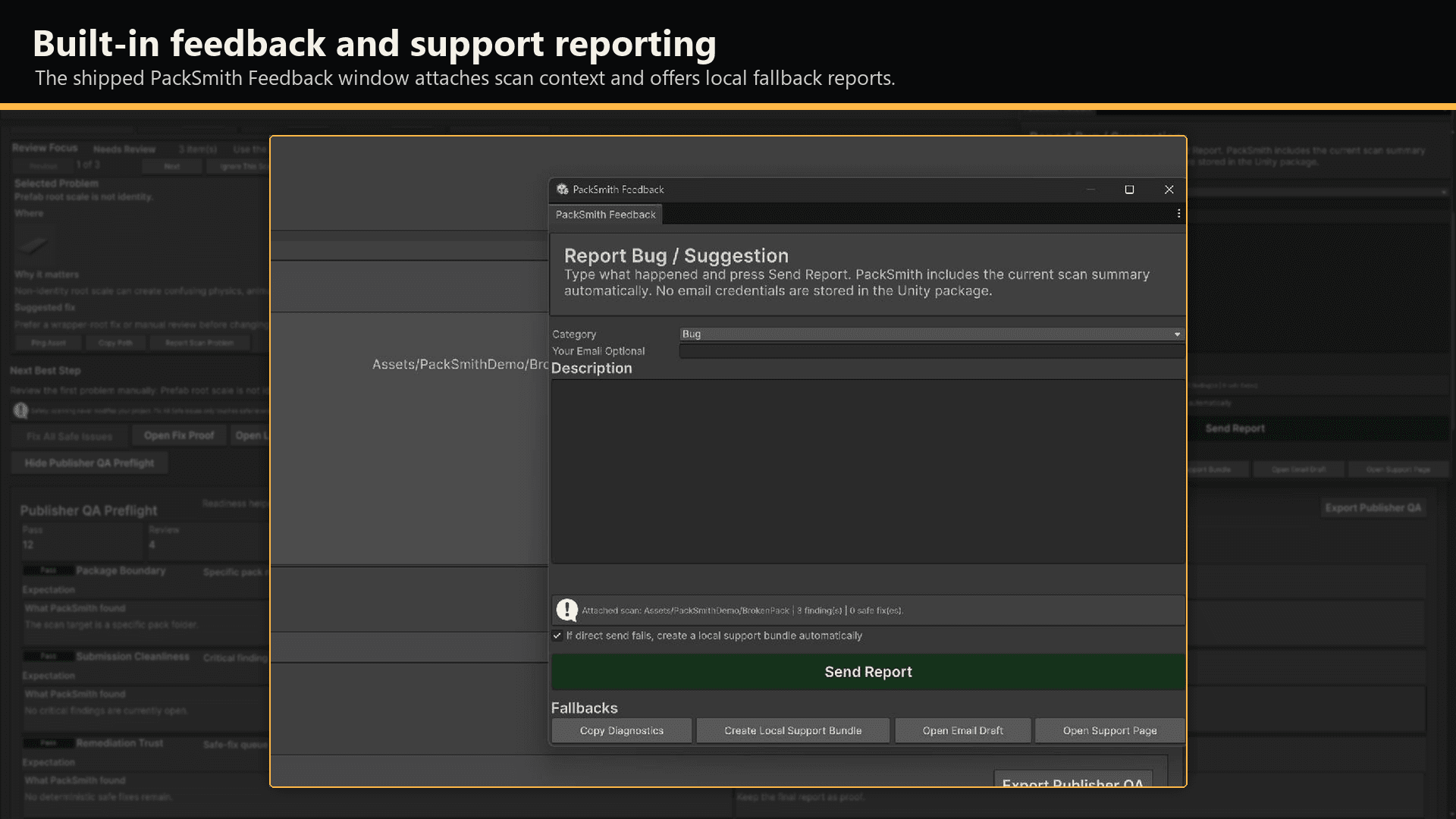
Feedback routing
Users can send bug reports, bad scan results, update issues, or suggestions from the editor.
What it solves
A user should know within seconds whether a pack blocks their current workflow, what can be fixed safely, and what needs manual review.
Buyer verdict: what blocks use, what may break visuals, what needs review, and what can be safely fixed.
Publisher QA preflight for docs, dependencies, compatibility disclosure, sample/demo content, hygiene, and provenance.
Read-only scans by default; safe fixes are explicit, backed up, rescanned, and exported as proof.
Review queue, repeated-finding summaries, ignore-this-scan controls, and per-finding evidence.
Markdown, CSV, JSON, fix-plan, publisher QA, and support-bundle exports.
In-editor bug and suggestion reporting with website/GitHub-backed triage.
Import a pack, scan it, and get a direct answer about whether it fits the current project profile. The beginner flow keeps the key decisions visible without forcing users through dense editor UI first.
Run publisher-facing checks before shipping an asset pack. The goal is fewer support surprises: missing materials, colliders, suspicious root scales, texture-budget issues, and metadata gaps caught before a buyer sees them.
Export scan reports, fix plans, publisher QA, and support bundles so teams can hand off findings without relying on a screenshot or memory.
Bad scan results and bugs can be reported from inside Unity with scan context attached, giving PackSmith a short path from user friction to a shipped fix.
Workflow
Import or select an asset pack.
Scan the pack and get a direct use/fix/review summary.
Review evidence for each issue if needed.
Apply safe fixes individually or in a grouped flow.
Export proof for support, seller QA, or team handoff.
Docs and changelog
Release notes, support details, and update metadata live on this website. This page is the public support surface for Unity users.
PackSmith support
For roles, collaborations, PackSmith support, Unity asset questions, or practical AI workflow work, email directly.